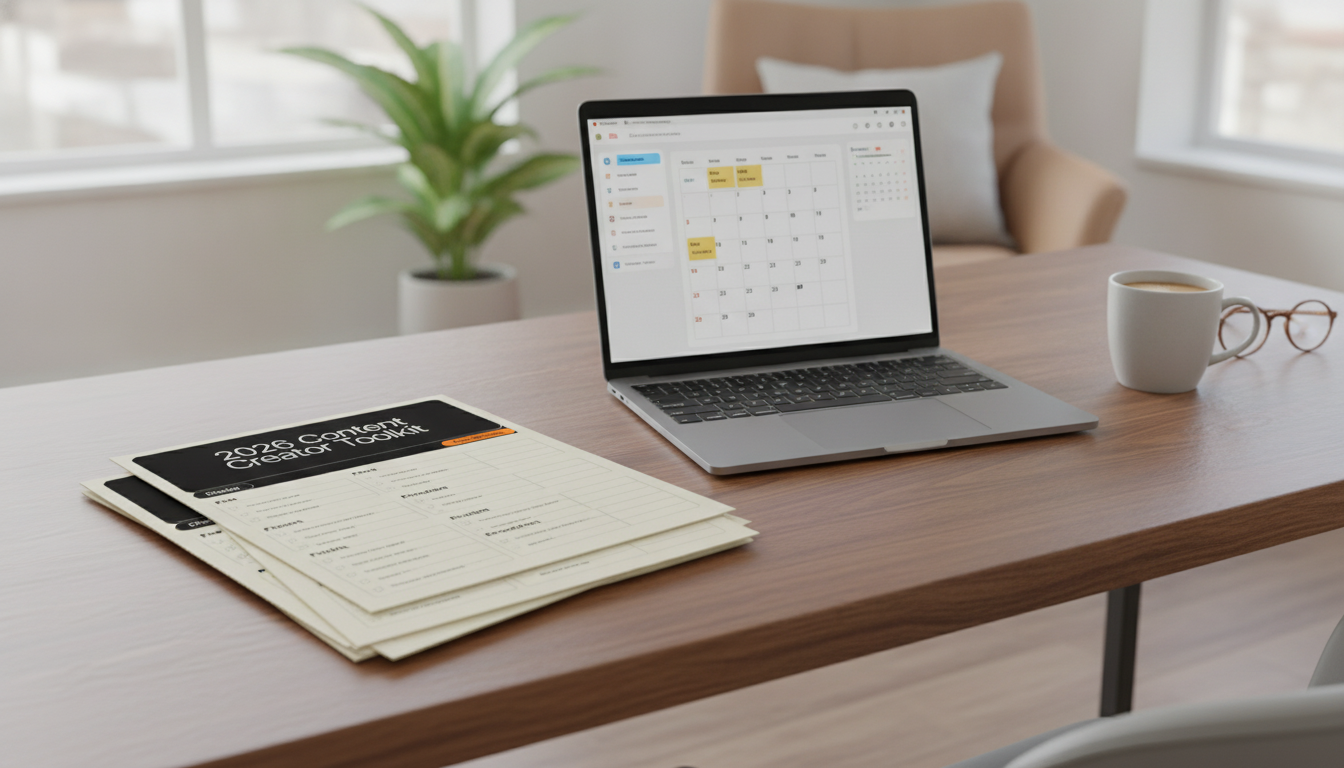
A reliable workflow removes guesswork from content creation. When ideas live in scattered notes and production happens “when there’s time,” consistency breaks down fast—especially across multiple platforms. A toolkit checklist gives you a simple, repeatable path: capture ideas, turn them into deliverables, prepare assets before you hit record, publish on a realistic rhythm, and review results so the next cycle improves on purpose.
The goal for 2026 isn’t doing more for the sake of it. It’s building a process you can keep—one that makes content feel manageable even when you’re juggling a brand, clients, partnerships, or a small team of collaborators.
If you’ve ever re-recorded because a file was missing, posted late because captions weren’t ready, or skipped tracking because analytics felt overwhelming, a checklist-based system adds just enough structure to keep things moving.
| Workflow stage | Common bottleneck | Checklist fix |
|---|---|---|
| Planning | Too many ideas, no plan | Turns ideas into a prioritized queue with deadlines |
| Pre-production | Missing assets and unclear scripts | Preps briefs, hooks, and required files before recording |
| Production | Inconsistent audio/lighting and scattered takes | Standardizes setup and capture steps |
| Post-production | Endless edits and last-minute changes | Defines a “done” standard and export settings |
| Publishing | Forgetting distribution steps | Includes platform-specific tasks and repurpose prompts |
| Review | No learning loop | Captures metrics and notes to improve the next cycle |
A practical “definition of done” is the fastest way to prevent endless tinkering. For example: “Short video is done when captions are accurate, audio is leveled, the hook lands in the first two seconds, and the export is saved in the correct aspect ratio with a clear file name.”
Instead of relying on motivation, use a predictable cadence. Even if you publish fewer times per week, the repeatability is what builds momentum.
| Day | Primary focus | Outcome |
|---|---|---|
| Mon | Plan | A clear list of deliverables for the week |
| Tue | Prep | Scripts/assets ready before recording begins |
| Wed | Batch create | Most content captured in one session |
| Thu | Edit | Final exports and drafts queued |
| Fri | Publish + distribute | Posts scheduled and repurposed |
| Sat/Sun | Engage + review | Insights logged and next topics identified |
For sponsored work, disclosure clarity matters as much as deadlines. The FTC’s guidance is a solid baseline for making endorsements transparent and easy to understand (FTC: Disclosures 101 for Social Media Influencers).
If video is part of your mix, keep your analytics review lightweight but consistent. A quick overview of what to look at (and where) can help you stay focused (YouTube Help: Analytics overview). For long-term growth, prioritize content that serves real people with clear value and strong organization (Google Search Central: people-first content).
It works for both: beginners get a step-by-step path they can follow without overthinking, while experienced creators use it to standardize work, reduce re-dos, and speed up publishing and review.
Yes. Keep the same stages (plan, prep, produce, edit, publish, track), then swap in platform-specific requirements like aspect ratios, caption style, thumbnail needs, or link placement.
Make light weekly adjustments based on what felt slow or messy, then do a deeper monthly review to reflect top performers, new offers, and any schedule changes.












Leave a comment